Your team should think,
not copy-paste.
We find the places where your people waste time on tasks a system could handle — and we automate them. Without changing the systems you already know. Without deployment chaos.
−22h
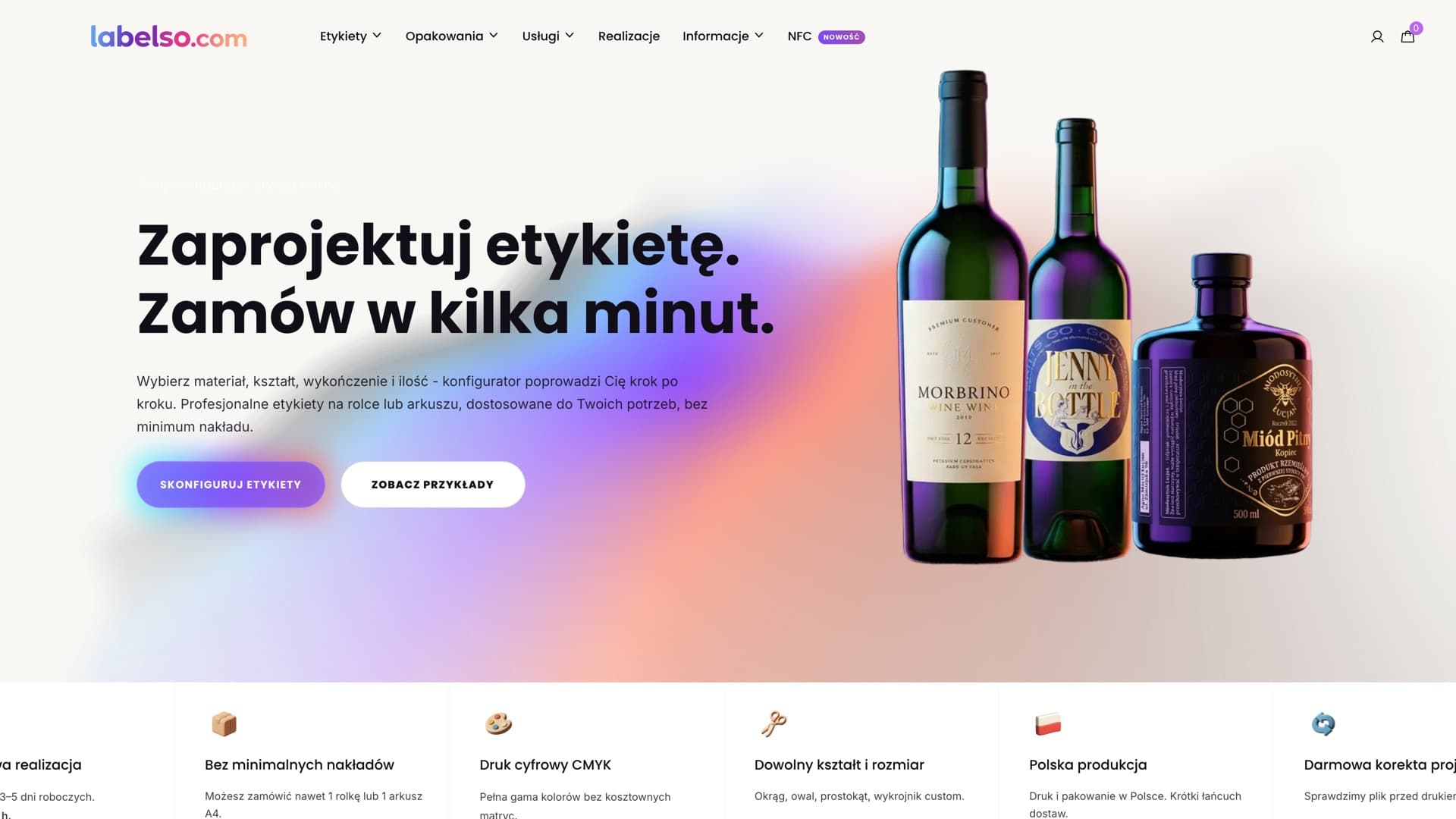
per week returned to the team (labelso.com)
5 min
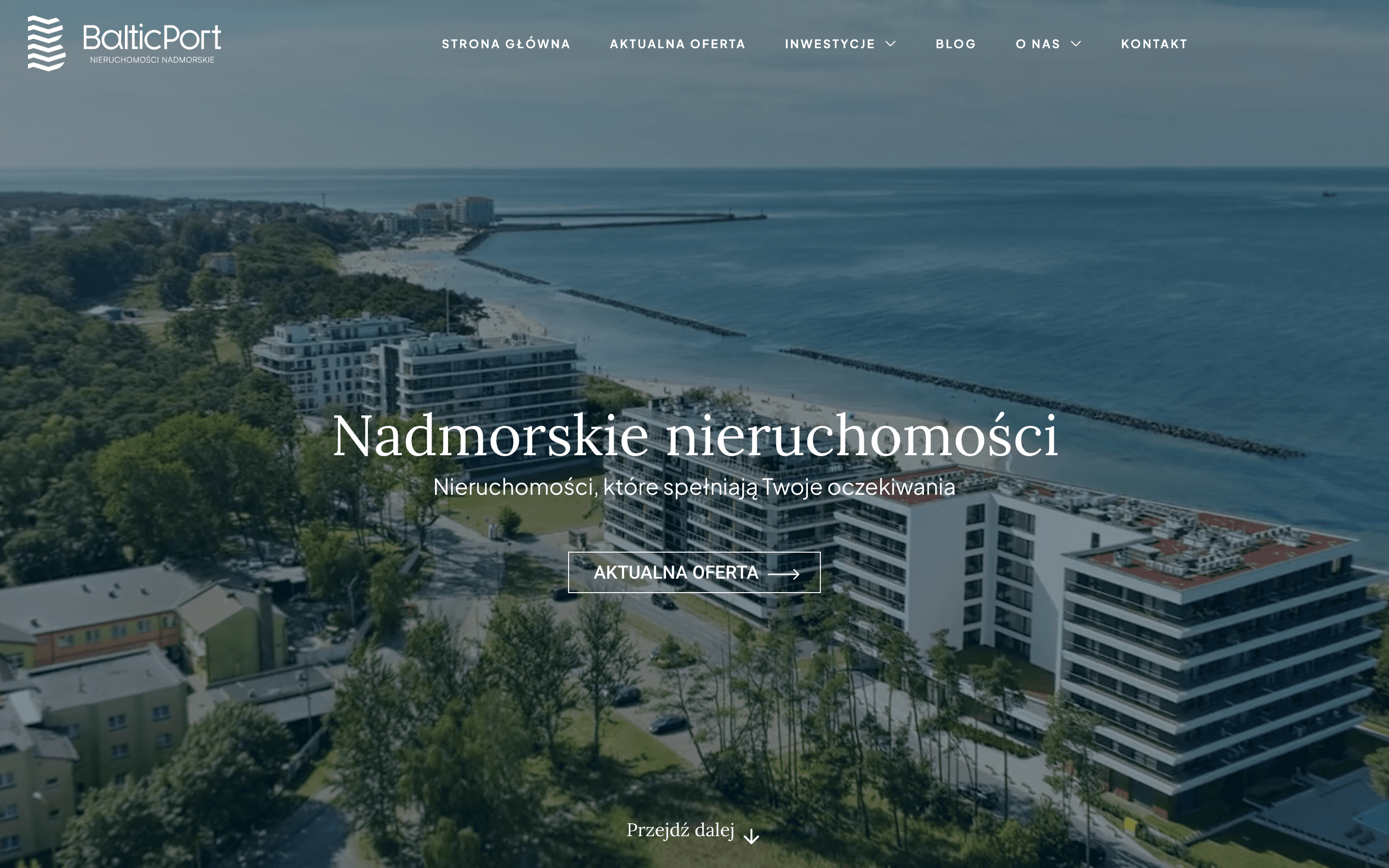
instead of 2h to publish listings (BalticPort)
60 sec
to generate a quote instead of an hour
0
leads lost because someone forgot
Sound familiar?
Your team re-types the same data between systems. Every single day.
Order in the shop. Manually to ERP. Manually to the warehouse. Manually to invoicing. Three hours a day — just to move numbers from one screen to another.
Reports take half a day — they should take 5 minutes.
Someone has to gather data from four spreadsheets, stitch it together in Excel and send a PDF. Every week. Instead of focusing on what actually drives the business.
Quotes, emails, invoices — all manual. People used as tools.
Every quote request is an hour of work. Every follow-up you have to remember yourself. Every invoice means copying data from a form into the system.
You have 5 systems that don't talk to each other.
CRM, shop, ERP, warehouse, invoicing — each lives its own life. Data consistency is your problem. And your team's problem every morning.
How we work
We map where you're losing time
We talk with your team, look at processes, count hours — how much time goes to tasks a system could handle.
We design automations with priorities
We don't automate everything at once. We pick what gives the biggest return in the shortest time. You get a plan with order and estimated savings.
We build and test with your team
We deploy workflows step by step. Every module is tested on real data. Your people learn how it works before we hand over full control.
We stay and evolve
Automation isn't a project — it's a process. We stay on retainer, monitor, fix issues, add new workflows as your company grows.
What we automate
Automated quoting
Client fills a form → system calculates price → PDF quote sent by email in 60 seconds.
−22h/week at labelso.comFollow-ups and onboarding
Lead in CRM → email sequence triggers automatically → salesperson gets notified when the client opens the quote.
0 leads lost due to forgettingInventory sync
Order in the shop → ERP updates stock → warehouse gets the task → client gets a confirmation email.
No manual re-typingListing & report publishing
Data from the system → automatic formatting → published to portal or report sent to management.
From 2h to 5 min at BalticPortWhat you get
- Process map ready for automation
- Working workflows in Make.com / n8n / Zapier
- Integrations between systems (API, webhooks)
- AI agents for classification, extraction and responses
- Automated reports and notifications
- Documentation for every workflow
- Team training on usage and modification
- Monitoring and error response
Who it's for
Good fit if:
- Companies of 5–100 people where repetitive tasks eat up team time
- Wholesalers and distributors with high volume of orders and documents
- Agencies and service providers handling many clients at once
- Companies post-software deployment that still do a lot manually
Might not fit if:
- —Companies looking for automation without process diagnosis — audit first
- —Solo businesses where implementation cost won't pay off in a reasonable time
Frequently asked questions
What tools do you use?
We pick the tool for the need: Make.com and n8n for complex workflows, Zapier for simple integrations, custom scripts and APIs when off-the-shelf tools aren't enough. AI agents (OpenAI, Anthropic) for document classification, data extraction and automated responses.
What if my systems don't have an API?
Most popular business systems have APIs or webhooks. For those that don't — we use RPA or file export/import. During the diagnosis phase we check each system's capabilities individually.
How long does implementation take?
Simple automations (one workflow, two systems) — 1–2 weeks. Complex integration ecosystems — 4–8 weeks. Depends on the number of systems, API availability and business logic complexity.
What happens if an automation breaks?
As part of our support we monitor workflows 24/7. When something breaks — we get an alert and fix it before your team even notices. Every workflow also has error handling and fallback.
Will my team need to learn this?
We train your team on usage and basic modifications. For no-code platforms (Make.com, n8n) the interface is intuitive — your people will be able to add simple steps themselves after a few hours of training.
Recent work
Automations already running:
Ready to stop copy-pasting data?
Start with a conversation.
45 minutes — and you'll know whether automation makes sense in your case, where to start, and what to expect.
Free consultation →